On this page
What this setting does
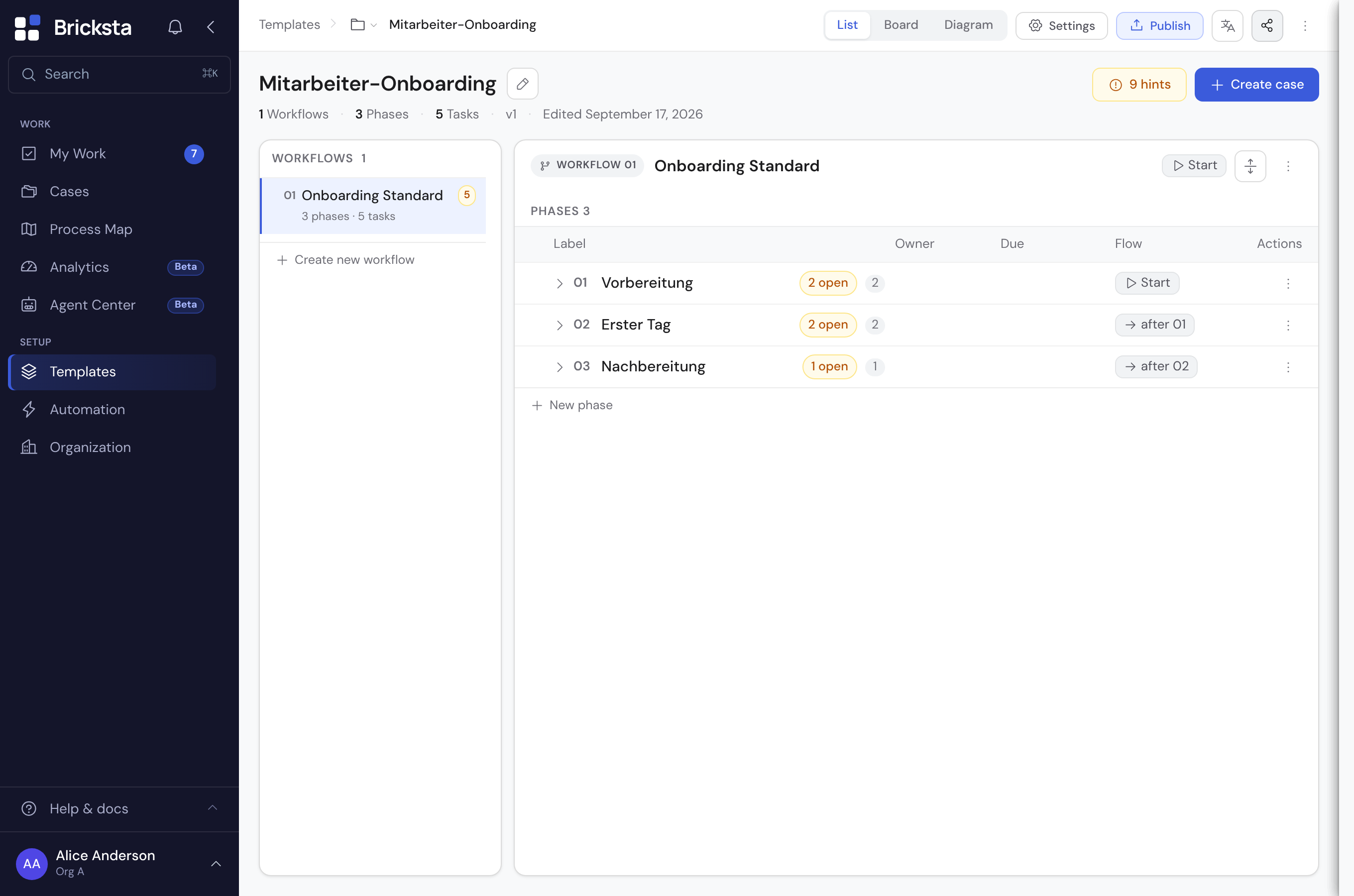
Per template you decide how long closed cases are kept — and what happens to them automatically afterwards. In the template editor, open “Settings” in the header and on the “Defaults” tab open the “Retention” row in the chapter “Who sees what — and for how long”; there you set the period, the action and optional per-field periods together.
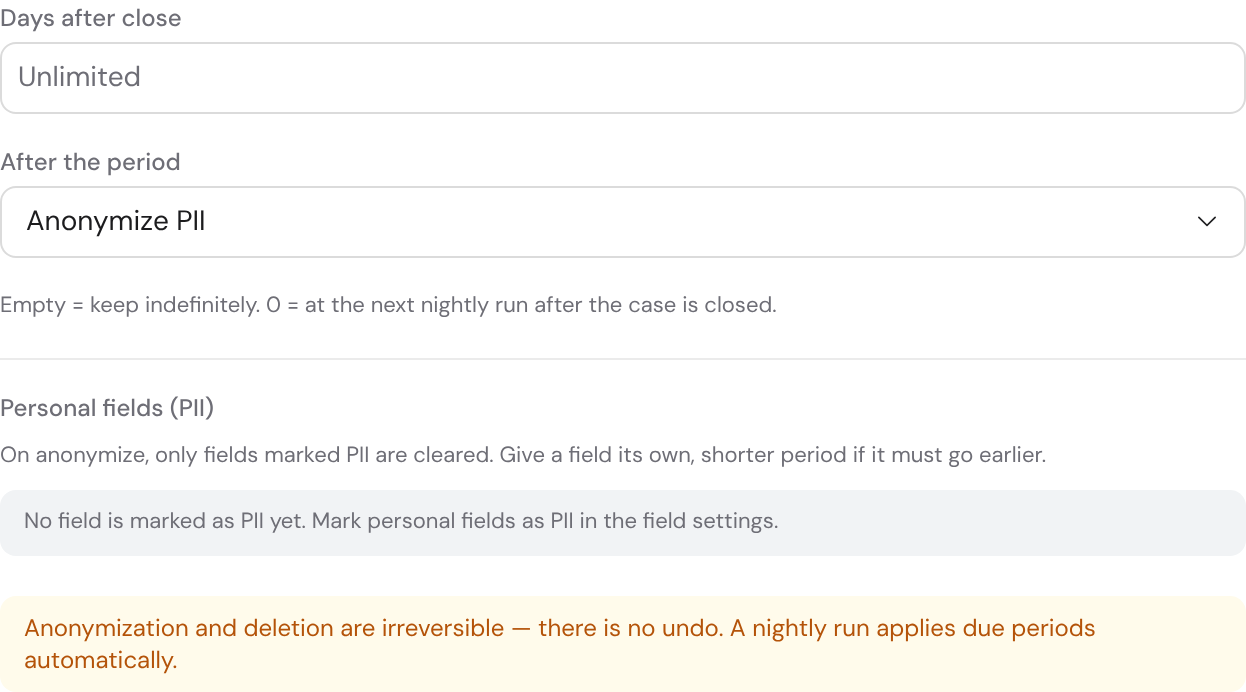
What happens after the period is irreversible — there is no undo. Check the period and the markings before you publish a template.
The period counts from close
“Days after close” is a period from the moment a case is closed (status completed or cancelled) — not from when it was created. If a case is reopened, the period starts over.
- Empty = keep indefinitely: nothing ever happens.
- 0 = on the next nightly run right after the case is closed.
- e.g. 30 = 30 days after the case is closed.
Two actions: anonymize or delete
- Anonymize PII
- The values of all fields marked as personal are irreversibly cleared, the case title and all comments become “[anonymized]”, and personal file attachments are removed. The same applies to the free texts of an escalation: the customer's message, the proposed solution, the rejection reason and every follow-up question with its answer. It also applies to the emails sent for the case (subject and body) and to the free texts of its properties (value, label and the reference link from a connected system). The case itself is kept — reporting and the process statistics keep working, because an escalation's status, timestamps, the delivery state of the emails and the reason type survive.
- Delete case
- The whole case is removed with all of its content (tasks, values, attachments). No record is left behind for statistics. If the case has follow-up cases (for example orders an offer created when it was accepted), the delete dialog lists them by number and lets you choose: “Delete all” removes them too, “Delete only this case” keeps them as independent cases with their tasks.
Which fields are “personal”?
When anonymizing, only what you have marked as PII is cleared. To do so, open an output field in the template editor and enable the “PII (sensitive)” switch. The data-privacy panel lists all fields marked this way as an overview. Fields without this marking are left untouched.
Mark every field with names, addresses, contact details, ID or contract numbers as PII. Only then does anonymization reach it — the accuracy of this marking decides whether anonymization has any effect at all.
A separate period for individual fields
Some entries must disappear earlier than the rest. In the data-privacy panel (or directly on the field under “Field retention”) you set a field's own, usually shorter, period. That field is then cleared after its own period — even if the case as a whole is kept longer. Empty means the field follows the template period.
Visible on the case
If a template has a period, every case shows it in its header as a “Retention” chip (e.g. “30 days → anonymize”). This chip is purely informational — the period is set on the template, not on the individual case. Once a case has been anonymized, a note in the header explains that state instead.
When does this run automatically?
A nightly run applies all due periods automatically — you do not trigger anything, there is no “apply now” button. If you change a template's period, it applies from the next run to all affected closed cases.
Trimming incoming emails
When an email starts a case, Bricksta stores the email in the trigger log. Under Organization → Master data you decide for how long: after the period (default 90 days) a nightly run removes the content, sender, recipients, subject and attachment names of the email. The period also applies to emails already received; trimmed content cannot be restored. What the email triggered — case, rule, status — stays visible. If the email lacked required details, it waits in a draft: there the period counts from the draft's last edit, not from receipt — as long as someone works on it, the email stays. If the draft lies untouched for longer than the period, the email is trimmed there too; the draft still shows what is missing, and when you start it you fill in the fields by hand. With “Never” incoming emails are kept in full. Admins and members with the right to manage the organization may change this; every change is recorded in the audit trail.
A person's erasure request
If a person requests erasure of their data, an organization administrator can anonymize them: Organization → Members, pick the member, “Erase personal data”. Bricksta replaces the name with “Deleted member” and deactivates the membership (no longer assignable or mentionable); it also pseudonymizes the personal references in the audit trail and improvement opportunities to a tombstone. If the person no longer belongs to any other organization, their cross-organization identity (profile name) is anonymized too. Aggregates and counts survive and the audit entry is not hard-deleted (traceability is preserved) — but the person is no longer identifiable. Afterwards the member only shows “Personal data erased on …”; the action is permanent and cannot be repeated. You type the name to confirm beforehand.
Anonymized or deleted data cannot be restored. Treat retention as part of template design, not an afterthought.